Reserve the currency you need in advance and spend less time waiting at the branch.
Branch Guide, How to Book & Essential Exchange Tips Inspiring Every Journey
Step 1: Book Your Currency Online
Register via Line Official Account
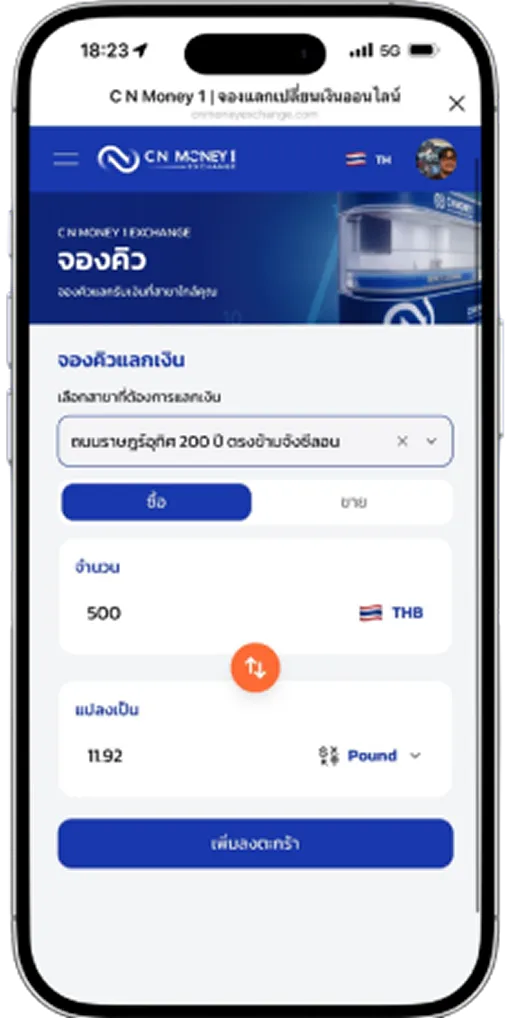
Choose your pickup branch, select your currency, and enter the amount.
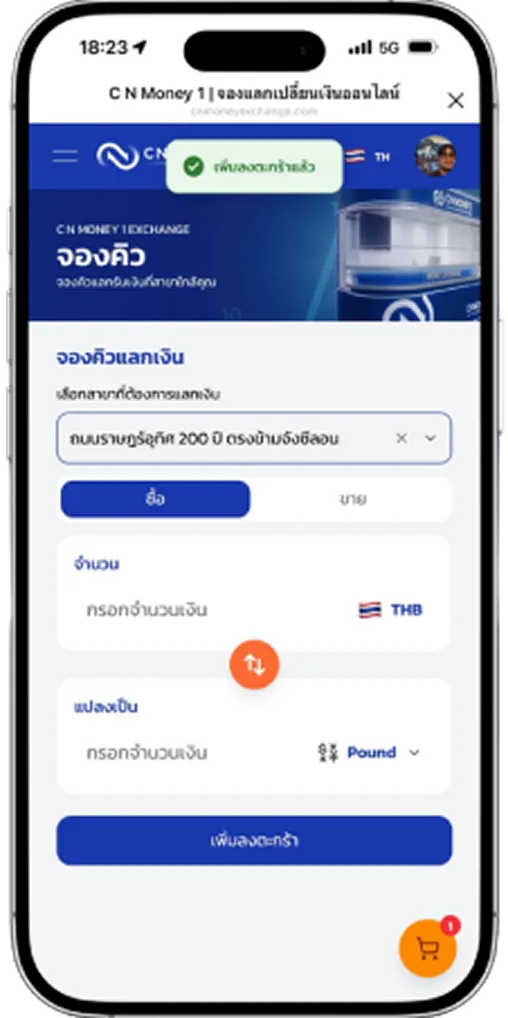
Submit Your Booking Request
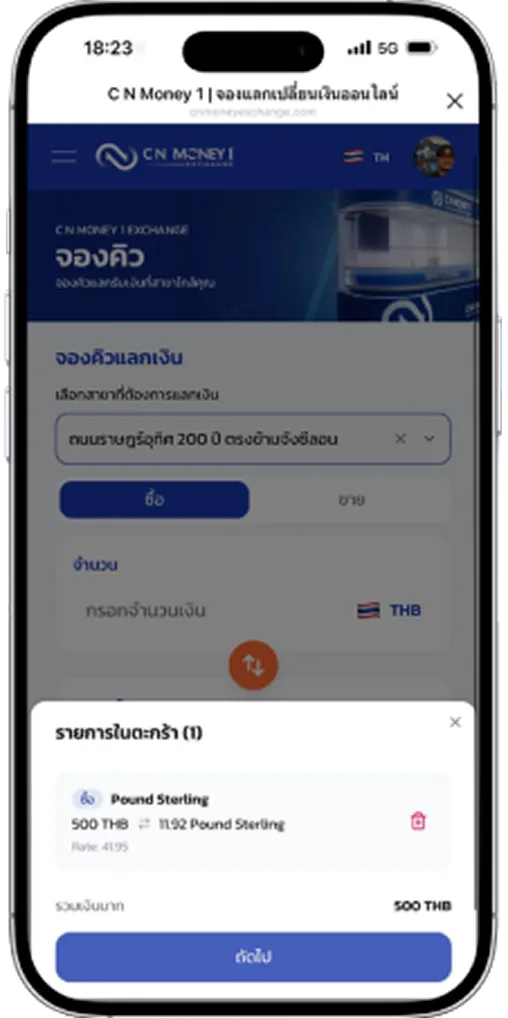
*You can reserve multiple amounts and currencies.
Confirm Your Transaction
Review all details, then confirm to proceed to the next step.
Choose a Date and Time
and review your booking details
After You Confirm Your Booking
Once you confirm your booking, the system will change its status to “Pending Approval” and send a notification for the administrator to review and approve it.
Step 2: Pay the Deposit
Once your booking has been reviewed and approved by the administrator
The system displays your booking details
and the deposit amount
Confirm your payment by checking the amount and paying
using a payment method specified by the system.
Upload proof of payment
Customers attach their transfer slip to send it for verification
The system displays your booking details
and the deposit amount
Confirm your payment by checking the amount and paying using a payment method specified by the system.
Upload Proof of Payment. Attach your transfer receipt so the system can verify your payment.
Step 3: Collect Your Currency at the Branch
Collect your currency in person at the branch and present your booking confirmation to verify your identity.
Collect Your Currency in Person at the Branch
Once your booking is confirmed, you can collect your currency in person at your selected branch. Present your booking confirmation to our staff to verify your identity before receiving the service.
Book easily, no waiting Pick up at branch
Walk in to collect your money at the scheduled time
This website uses cookies and similar technologies to store and/or access information on your device and provide an improved user experience. When you give your consent, we may process data such as your browsing behavior or unique identifiers on this website. Withholding or withdrawing your consent may affect certain features and functionality of the website.
Necessary Cookies
Always active
Technical storage or access is strictly necessary for the legitimate purpose of enabling the use of a specific service explicitly requested by the subscriber or user, or for the sole purpose of carrying out the transmission of a communication over an electronic communications network.
Preferences
The technical storage or access is necessary for the legitimate purpose of storing preferences that are not requested by the subscriber or user.
Analytics Cookies
Technical storage or access is used exclusively for statistical purposes.The technical storage or access that is used exclusively for anonymous statistical purposes. Without a subpoena, voluntary compliance on the part of your Internet Service Provider, or additional records from a third party, information stored or retrieved for this purpose alone cannot usually be used to identify you.
Marketing Cookies
Technical storage or access is used to create user profiles for displaying advertising, or to track users on this website or across multiple websites for similar marketing purposes.